
Contents
The 2026 Digital Reset: How to Secure, Organize, and Protect Your Website from Day One
Website Digital Reset 2026
Introduction
If you built your website in January after setting the goal to establish an online presence in 2026, congratulations. Getting a website live is an important milestone. You’ve defined your purpose, chosen your platform, and published your first content. In practice, a website digital reset in 2026 is about building protection, organization, and automation into your site from the very beginning.
But launching a website is only the beginning.
A website that looks good but isn’t protected can quickly become a liability. Security issues, data loss, slow performance, or technical neglect can undo months of effort and damage credibility. That’s why protection matters more than perfection—especially at the start.
A digital reset isn’t about adding complexity. It’s about putting the right systems in place early so your website stays stable, secure, and manageable throughout the year. January is the ideal moment to do this, when habits are forming and long-term plans are taking shape.
In this guide, you’ll learn how to:
- Understand the most common website risks people overlook
- Set up automated protection systems that work quietly in the background
- Build sustainable habits that keep your site healthy throughout 2026 and beyond
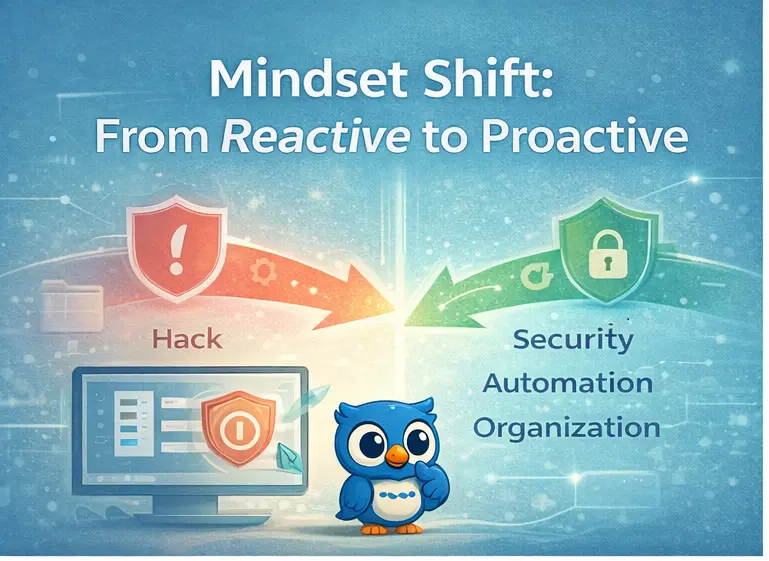
A website digital reset in 2026 is about protecting what you build from day one. By putting automated backups, security monitoring, performance optimization, and light maintenance habits in place early, your website becomes a stable, low-stress digital asset instead of a future liability. Managed platforms such as WordPress.com provide a strong foundation, while tools like Jetpack add ongoing protection and automation—working quietly in the background to keep your site secure, organized, and reliable throughout the year.
If you’re still at the beginning, start with Why Building a Website Should Be on Your 2026 New Year Resolution List . Once your site is protected, explore how performance and hosting choices shape long-term growth in Starting 2026 with a Faster, More Reliable WordPress Hosting Setup .
What a Digital Reset Really Means for Website Owners
Building a website is creative and rewarding. Protecting it is less visible but far more important. Protection determines whether your website supports your goals or constantly distracts you with technical issues. A digital reset means making a conscious choice to safeguard what you’ve built. Instead of reacting to problems after they happen, you create systems that prevent issues before they escalate. This shift—from reactive to proactive—is what separates stable websites from fragile ones.
Most website problems develop slowly. Updates are postponed, backups are forgotten, performance declines, and security risks go unnoticed. Eventually, something breaks, and recovery becomes stressful and time-consuming. A digital reset replaces manual fixes with automated systems that work quietly in the background. These systems monitor your site continuously and alert you only when something genuinely needs attention—resulting in fewer emergencies and greater confidence.
When you know your website is backed up, monitored, and optimized automatically, you stop worrying about what might go wrong. That peace of mind frees your attention for the work that actually matters—creating content, building relationships, and growing your project. In this sense, website protection isn’t just technical; it’s practical and psychological. It reduces mental load and supports consistent progress.
Common Website Risks People Overlook
Many website owners underestimate the risks they face, not because they’re careless, but because problems aren’t always visible until damage is done. The following risks are common—and preventable.
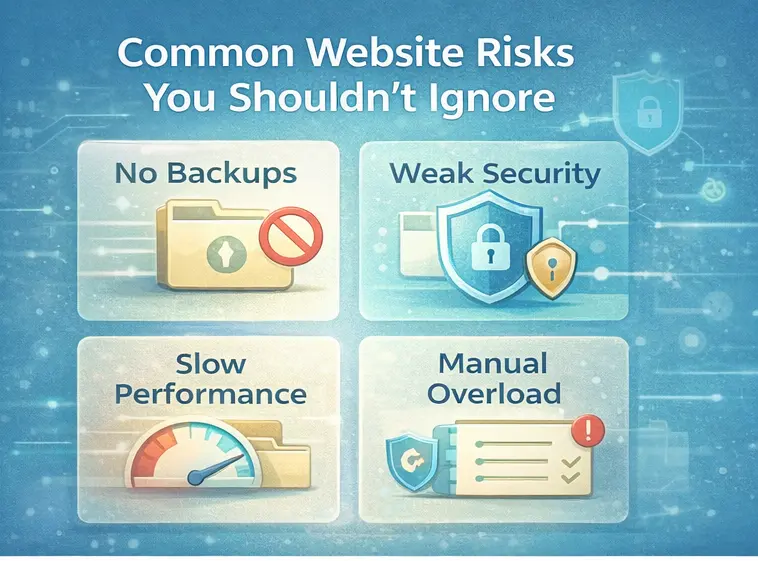
Backups are your safety net. Without them, a serious issue can permanently erase content, media files, configurations, and customer or subscriber data. Manual backups are unreliable because they depend on memory and technical confidence and often fail when needed most.
Better approach: Automated backups stored off-site with simple restore options that don’t require technical expertise.
Security issues rarely come from a single dramatic failure. They accumulate over time through outdated plugins, weak passwords, unpatched themes, and unmonitored login attempts. By the time a breach is noticed, damage may already affect visitors, data, and search visibility.
Better approach: Continuous security scanning and threat monitoring that works automatically.
Slow websites don’t usually feel slow to their owners, but visitors experience delays caused by large images, unoptimized scripts, lack of caching, and server distance. Slow load times increase bounce rates and reduce trust.
Better approach: Ongoing performance optimization and monitoring that adapts as content grows.
Managing updates, security, backups, and performance manually is unsustainable for most site owners. When time is limited, maintenance is delayed and problems build up quietly.
Better approach: Automation that handles routine tasks and reduces the need for constant attention.
Why WordPress.com Is a Strong Foundation
Every resilient website starts with a stable foundation. If your site is built on WordPress.com , much of that foundation is already in place—quietly handling critical responsibilities so you don’t have to.
WordPress.com provides server-level security and monitoring, automatic core updates, built-in redundancy, and simplified hosting management. These protections operate continuously in the background, reducing risk without demanding your attention.
Result: Fewer decisions, fewer misconfigurations, and fewer surprises.
Because WordPress.com is a managed platform, you don’t need to configure servers, manage certificates, or worry about hosting infrastructure. Everything—from content to settings—lives in a centralized dashboard, making site oversight clearer and maintenance more approachable.
Result: You spend less time managing technology and more time building what actually matters.
How Jetpack Supports a Secure Digital Reset
WordPress.com provides the foundation. Jetpack adds specialized tools that enhance protection, backups, and performance. Think of it as reinforcing your site with automation that supports long-term stability.
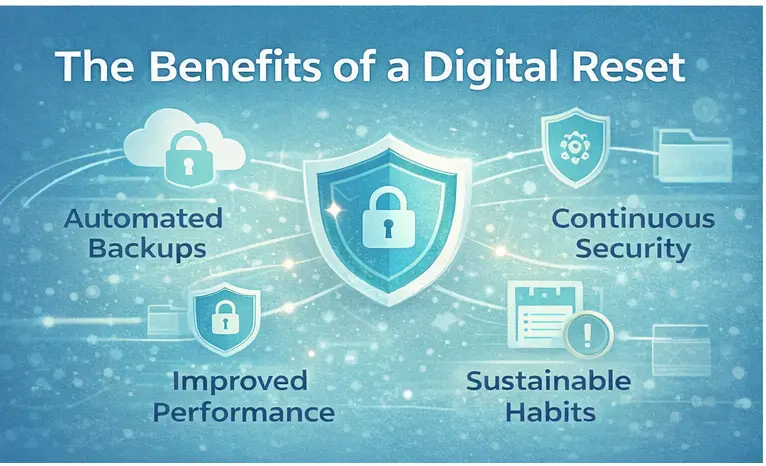
If you want to put these protection systems in place without managing everything manually, Jetpack provides automated backups, security scanning, and performance optimization that support a practical website digital reset in 2026.
Jetpack backups capture changes as they happen. Instead of relying on daily snapshots, updates are recorded continuously. This minimizes data loss, allows easy restoration to earlier versions, and stores backups securely off-site. Recovery is fast and doesn’t require technical steps, helping reduce downtime and stress.
Jetpack monitors your site for malware, vulnerable plugins or themes, and suspicious login activity. Scans run automatically and notify you when issues are detected. Many problems can be addressed quickly without manual troubleshooting, reducing the risk of unnoticed compromises.
Jetpack supports performance improvements through image optimization, content caching, and global content delivery. These optimizations help your site load faster for visitors in different locations without requiring manual configuration or ongoing tuning.
The key benefit of Jetpack is automation. Instead of remembering to manage technical tasks, systems operate continuously in the background. Your role becomes simple: set up protection correctly, review periodically, and respond only when notified.
Day-One Website Protection Checklist
This checklist covers the essential protections every website should have in place from the very beginning.
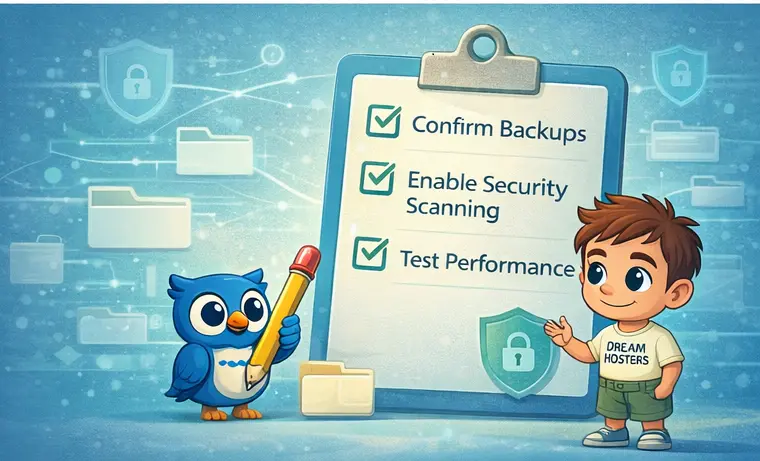
- Verify automated backups are active
- Ensure both files and database content are included
- Confirm backups are stored off-site
Outcome: Your data is protected and recoverable.
- Activate automated security scans
- Ensure email alerts are enabled
- Review scan frequency settings
Outcome: Threats are monitored continuously.
- Test your site using a performance tool
- Record initial load times and scores
- Recheck after optimizations are active
Outcome: You can track performance changes over time.
Monthly (10 minutes)
- Check site health dashboard
- Verify recent backups
- Review security alerts
Quarterly (20 minutes)
- Remove unused plugins
- Review updates
- Scan for broken links
Annually (30 minutes)
- Audit site structure
- Refresh outdated content
- Plan improvements for the year
Building Sustainable Habits for 2026
Protection systems only help when they’re trusted and maintained.
Avoid constant checking. Let systems work and intervene only when notified. Over-monitoring creates anxiety; under-monitoring creates risk. Monthly reviews strike a sustainable balance.
Keep simple records: which plugins you use and why, who has site access, and how recovery works. This clarity prevents confusion during emergencies and supports confident decision-making.
- Monthly: health check, backups, security review
- Quarterly: plugin cleanup and performance review
- Annually: full site audit and planning
This requires only a few hours per year and dramatically reduces long-term risk.
When your website is protected, you work with confidence. You’re not worried about losing content or dealing with emergencies. That confidence supports creativity, focus, and long-term consistency. Protecting your website also protects your time and mental energy.
As your website becomes more important, your protection strategy can grow with it—advanced plans, deeper optimization, and professional hosting solutions. The systems you set up now don’t need replacement; they expand alongside your goals.
Conclusion: Start 2026 Protected and Confident
A digital reset isn’t driven by fear—it’s driven by foresight.
When you put protection, organization, and automation in place from day one, your website stops being something you worry about and starts becoming something you can rely on. The systems outlined in this guide are not complex or time-consuming. They’re designed to work quietly in the background, keeping your site secure, stable, and manageable as the year unfolds.
Platforms like WordPress.com provide a strong, managed foundation—handling hosting, core updates, and infrastructure so you don’t have to think about them every day.
Ready to put this digital reset into action?
Managed tools like Jetpack help automate backups, security monitoring, and performance optimization—making it easier to maintain a secure, well-organized website throughout 2026 without adding extra work.
Related Guides
Affiliate Disclosure: Some of the links in this article are affiliate links. This means we may earn a commission if you purchase through them, at no additional cost to you. We only recommend hosting providers we have tested, reviewed, or genuinely believe offer value to our readers.

