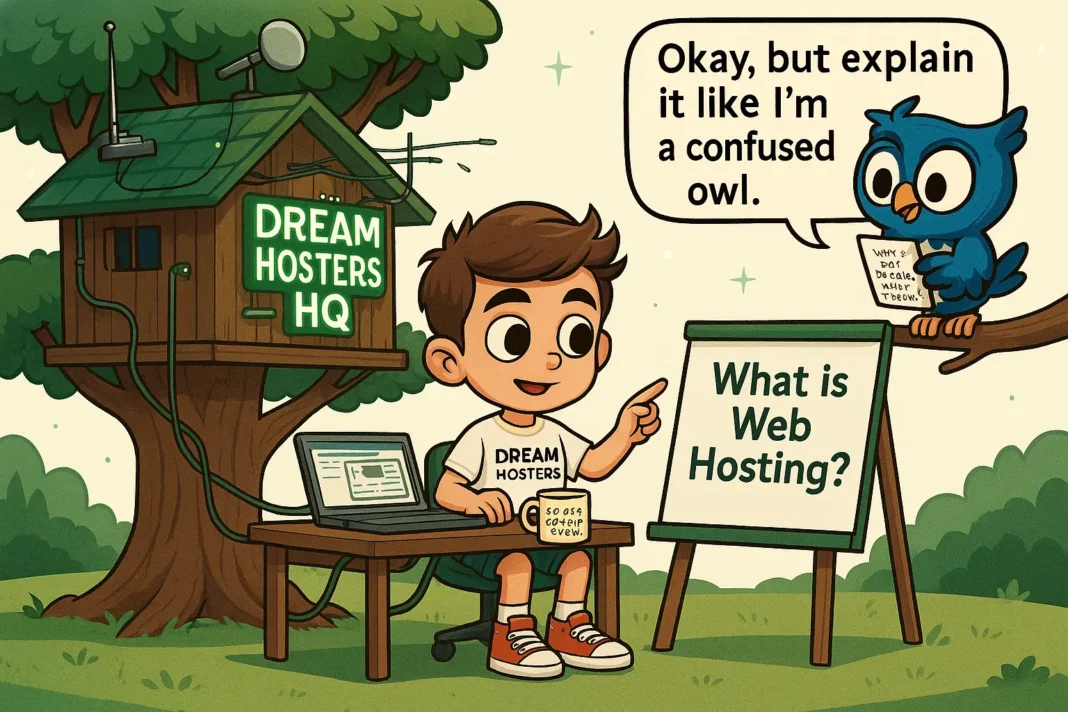


Byte & Beak Talk Hosting #22: How Backups Work (And Why You’ll Thank Yourself Later)
Beak accidentally deletes his entire homepage—again. Byte calmly restores everything and shows him why backups are every webmaster’s safety net.
🎬 Scene Opener – The Disappearing Homepage
[Setting: Beak, wide-eyed, staring at a blank browser window that used to be his homepage. Byte casually sips tea while clicking on a backup restore button.]
🦉 Beak:
“Byte… I was just cleaning up some plugins… and… I think I deleted the whole homepage!”
👨💻 Byte:
“Deep breaths, Beak. Good thing we have a backup. Let’s rewind the worm clock.”
🔄 What is a Website Backup?
A website backup is a saved copy of your website’s files and database, which you can restore if something goes wrong.
📦 It includes:
- HTML/CSS/JS files
- Images, videos, documents
- WordPress themes & plugins
- Database (which holds your content, user data, settings)
🛑 Why Do You Need Backups?
Even the smartest owls can make mistakes (👀 you, Beak). And besides user error, other risks include:
- ⚠️ Plugin or theme conflicts
- 🦠 Malware or hacking
- ❌ Hosting failure or server crash
- 🔄 Bad updates that break your site
A reliable backup lets you restore your website to a previous working version within minutes.
🦉 Beak’s Big Question
Beak:
“So it’s like a time machine for websites?”
Byte:
“Exactly. Except it doesn’t need 1.21 gigawatts to work.”
📅 Types of Website Backups
🔁 Manual Backups
You create backups manually through your hosting control panel or FTP.
🕐 Scheduled Automatic Backups
Backups run daily, weekly, or monthly without you lifting a feather.
📥 Local vs Cloud Backups
- Local = Stored on your hosting server (less safe if your server fails)
- Cloud = Stored offsite (Google Drive, Dropbox, or external services)
🛠️ How to Set Up Backups (Even Beak Can Do It)
- Use Your Hosting’s Backup Tools
Most good hosts include free or paid backup systems. - Install a Backup Plugin (For WordPress)
- 🛡️ UpdraftPlus (free & popular)
- 🔐 BackupBuddy
- 🚀 Jetpack VaultPress
- Store in Multiple Places
Don’t rely on just one backup. Keep a local AND cloud version. - Test Restores Occasionally
A backup is only good if it works when you need it!
Hosting Providers with Smart Backup Options
🟢 Verpex → A good fit for shared hosting, beginners, and users looking for value-focused plans with straightforward setup and support.
🔵 HostArmada → Suitable for budget to mid-range users who want better performance and cloud-based hosting without moving to high-end managed plans.
🟣 Kinsta → Best suited for premium, managed WordPress hosting needs where performance, scalability, and hands-off management are priorities.
⚠️ Things People Forget to Back Up (But Should!)
- 📧 Emails (if hosted on the same server)
- 🗂️ .htaccess and wp-config.php files
- 👨💻 Custom CSS or JavaScript changes
- 📚 User submissions, orders, or form entries
🧠 Byte’s Final Advice
- Backups aren’t just insurance—they’re essential.
- Automate them, test them, and keep multiple versions.
- The one day you forget? That’s the day you’ll need them most.
🦉 Beak’s Final Hoot
“Note to self:
Never delete anything until you’ve double-checked the backup.
Byte, you’re the hero we don’t deserve—but desperately need.”
➡️ Next Up: Byte & Beak Talk Hosting #23: How to Secure Your Hosting Account (Without Paranoia)
Beak wears a tinfoil hat. Byte talks 2FA, strong passwords, and malware scanning—minus the conspiracy theories.