

Hosting Mistakes New Bloggers Make
You jump into blogging thinking all you need is a topic, a logo, and a WordPress install. In reality, one of the silent killers of new blogs is the hosting setup. Many beginners overlook this part, pick the wrong plan, and later wonder why their site is slow, keeps going down, or gets flagged by search engines and browsers.
This article walks you through the most common hosting mistakes new bloggers make, explains why they hurt your blog, and shows you how to fix or avoid them. If you want to start on a solid foundation, keep reading.
Why hosting matters for your blog
Your blog is only as good as its hosting. If the server is slow, unreliable, or poorly configured, visitors will leave before they read a single sentence. Search engines will also notice and may push your posts lower in results.
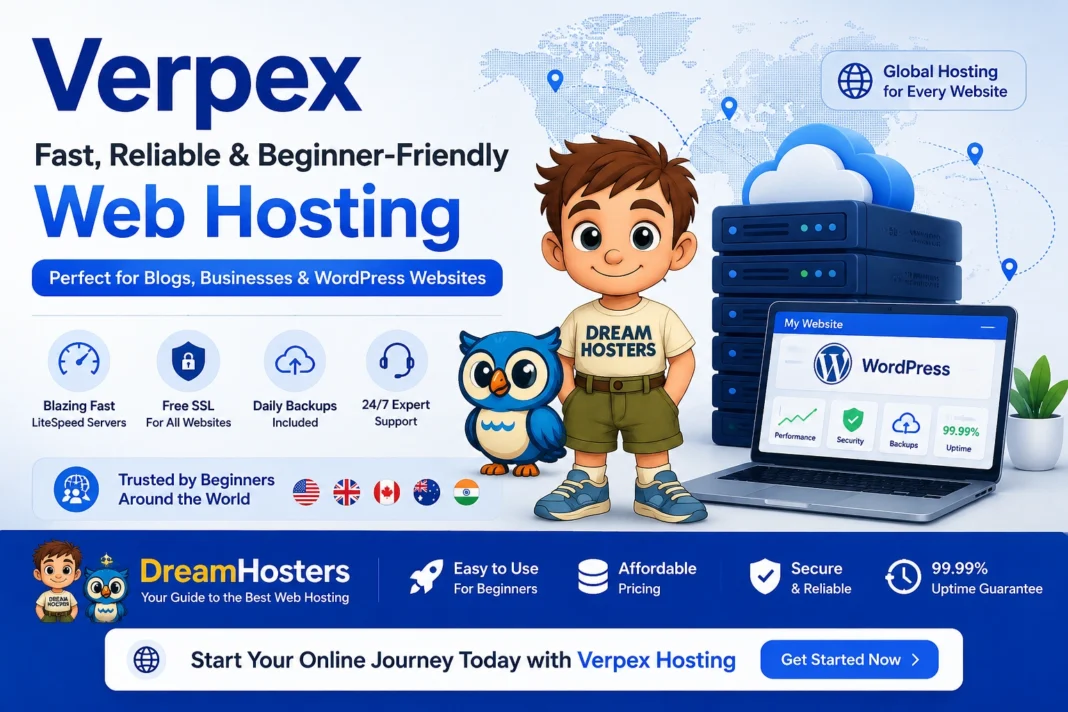
Good hosting means fast loading, stable uptime, and strong security. That’s why it makes sense to pick a provider that focuses on performance and support, not just low price. For example, Verpex offers fast servers, free SSL, daily backups, and 24/7 support, which can save a lot of headaches for new bloggers. You can check out their hosting plans and even start with a 30‑day money‑back guarantee if it does not fit your needs by visiting Verpex website.
Mistake 1: Choosing free or ultra‑cheap hosting
Why it goes wrong
Many new bloggers look for the cheapest option or sign up for a free hosting plan. The idea is simple: “Why pay when I can get it for free?” The problem is that free and super‑cheap hosting often has tight limits on speed, bandwidth, and resources.
You might get slow load times, frequent downtime, or even ads injected into your site. Some providers also restrict your ability to install plugins or connect your own domain properly. None of that helps a blog grow.
How to do it better
Instead of chasing the lowest price, focus on three things:
- Speed and uptime – look for hosts that mention fast SSD or NVMe storage and strong uptime guarantees.
- Security – free SSL, basic firewall, and backup options are a must.
- Support – if you are just starting, you will need help with DNS, email, and WordPress setup.
Verpex, for example, uses high‑end NVMe hardware, offers free SSL on every domain, and provides daily backups and 24/7 support. That kind of setup is more suitable for a growing blog than a random “free forever” host.
Mistake 2: Treating hosting like a one‑time purchase
Why it goes wrong
Many bloggers choose a plan once and forget about it for months. They do not check performance, renewal price, or server upgrades. Then, when traffic grows or the site gets hacked, they are stuck.
Hidden costs can also sneak in. Some companies advertise cheap first‑year pricing, then charge much more when the plan renews. Others put limits on bandwidth, email accounts, or database size that you only notice after your site starts to grow.
How to do it better
Treat hosting like a recurring service, not a one‑time fee. Check these things at least once a year:
- Is your current plan still enough for your traffic and plugins?
- What is the renewal price compared to the first‑year price?
- Are there any limits that might become a problem as you add more pages or visitors?
If you see performance issues or large price jumps, it makes sense to reconsider. Providers like Verpex let you move between shared, managed WordPress, and VPS plans without changing your basic stack, which gives you room to grow without starting over.
Mistake 3: Ignoring where your server is located
Why it goes wrong
Some new bloggers pick a hosting plan based only on the price and brand, without checking the server location. If your target audience is in India but your server is in the US, every page load has to travel halfway across the world. That can add noticeable delays.
Even if the hosting claims it is “fast,” the physical distance still matters. Visitors will feel it every time they click a link or open a blog post.
How to do it better
When you choose a host, check where its data centers are. If your readers are mostly in Asia, look for a provider that offers servers in locations like Singapore, India, or nearby regions. Verpex runs servers in multiple locations around the world, including Asia‑Pacific hubs, which helps bring the site closer to people in different regions.
If you are not sure where your audience is yet, pick a host that lets you switch data centers later or offers a global network that automatically routes traffic efficiently.
Mistake 4: Using the wrong type of hosting for your blog
Why it goes wrong
Beginners often pick the wrong hosting type because they do not understand the difference. For example:
- Using a reseller or VPS plan when they only need a simple shared‑hosted blog.
- Sticking with shared hosting when they already have thousands of visitors and need more resources.
Shared hosting can be great for small blogs, but if you add heavy plugins, many images, or high traffic, it can start to slow down. On the other hand, VPS or cloud hosting is more powerful but harder to manage if you are not familiar with server settings.
How to do it better
Match the hosting type to your blog’s stage:
- Beginner stage (hundreds of visitors per month) – shared hosting with WordPress‑optimized servers is usually enough.
- Growing stage (thousands of visitors, more content and plugins) – a managed WordPress or entry‑level VPS plan gives you more power and control.
- Established site with high traffic or multiple sites – full VPS or cloud hosting with dedicated resources.
Verpex offers shared hosting, managed WordPress plans, and VPS setups, so you can move between options as your blog grows instead of jumping to a completely new provider.
Mistake 5: Skipping backups and thinking “nothing will happen”
Why it goes wrong
Many new bloggers assume small sites are not worth hacking or that their host already handles everything. Then a plugin update goes wrong, a file gets deleted, or a security issue pops up. Suddenly the whole blog is gone.
Without backups, you may have to rebuild everything from scratch or start over with a new domain. That breaks links, drops search rankings, and hurts brand trust.
How to do it better
Get into the habit of using backups from day one. Look for a host that includes:
- Daily or frequent automatic backups.
- Easy restore options from the control panel.
- Optional on‑demand backups before big updates.
Verpex includes daily backups on most of its plans and offers up to twice‑daily backups on higher‑tier plans. That means you can roll back to a working version if something breaks, whether it is a plugin, theme, or a custom script.
Mistake 6: Ignoring security basics
Why it goes wrong
New bloggers often think, “My site is small and nobody will target me.” Actually, automated bots scan thousands of sites every day looking for weak spots. A simple outdated WordPress version, an old plugin, or missing SSL can be enough to get your site flagged or hacked.
If your blog gets hacked, search engines may mark it as unsafe, browsers can show scary warnings, and visitors will stop coming.
How to do it better
Basic security is not complicated. You should:
- Use a host that offers free SSL and automatic certificate renewal.
- Choose a provider that includes basic malware scanning and DDoS protection.
- Keep WordPress, themes, and plugins updated.
Verpex provides free SSL for every domain and subdomain, automatic installs, and renewal. It also uses security features like Monarx for firewall and malware protection, which gives you a stronger safety net than bare‑bones hosting.
Mistake 7: Overloading the site with unnecessary plugins
Why it goes wrong
It is easy to install “just one more plugin” to add forms, analytics, pop‑ups, or extra widgets. Over time, that can slow the site down, increase the risk of conflicts, and make it hard to trace performance issues.
Slow speed means longer load times, which pushes visitors away and can hurt your ranking in search results.
How to do it better
Treat each plugin as a small decision. Ask:
- Does this plugin do something important that I cannot do another way?
- Is it regularly updated and well‑reviewed?
- Can I remove it if I stop using its features?
Choose a host that includes common tools (like one‑click WordPress, softaculous for popular apps, and built‑in caching) so you do not need extra plugins for basic setup. This reduces the number of moving parts and keeps your site lighter and faster.
Mistake 8: Not optimizing speed from the start
Why it goes wrong
Many new bloggers focus only on content and design, then add a slow theme, large images, or a heavy slider. The result is a visually nice site that takes forever to load.
Search engines and readers both care about speed. If your site loads slowly, search engines may rank it lower, and visitors may leave before even reading the headline.
How to do it better
Optimize speed step by step:
- Use a clean, lightweight theme instead of a very heavy multipurpose one.
- Compress images and lazy‑load them.
- Enable caching and use a host that supports fast servers (like NVMe SSDs and modern CPUs).
Verpex uses high‑end NVMe storage and recent AMD EPYC processors on its shared and reseller servers, which helps pages load faster even on basic plans. If you combine that with a lightweight theme and smart image handling, you get a solid starting point for performance.
Mistake 9: Waiting too long to upgrade your plan
Why it goes wrong
Some bloggers stick with the cheapest plan long after their site outgrows it. They hit limits on bandwidth, CPU, or memory, and then the site starts to lag or show errors.
At that point, fixing the problem is not just about upgrading a plan; you may also need to clean up plugins, images, and databases, which takes extra time and effort.
How to do it better
Watch for warning signs:
- Pages are slower than usual.
- The admin area feels sluggish.
- You see “server limit exceeded” or similar messages.
When you see these, review your hosting usage in the control panel. If your traffic and content are growing steadily, consider upgrading to a higher‑tier plan before you hit a wall. Moving early helps you avoid mid‑campaign crashes when you are promoting a new post or campaign.
Mistake 10: Not using managed WordPress hosting when it makes sense
Why it goes wrong
Many new bloggers start with generic shared hosting that supports WordPress but does not really optimize for it. They then spend time troubleshooting updates, caching, and performance instead of writing content.
WordPress‑specific issues (like auto‑update failures, plugin conflicts, and caching mismatches) can eat a lot of your time if you handle them manually on a generic host.
How to do it better
If you are building a content‑focused blog, managed WordPress hosting can be a smart fit. Good managed plans:
- Handle core updates, security patches, and basic caching for you.
- Offer staging areas so you can test changes safely.
- Provide WordPress‑aware support that understands how themes and plugins behave.
Verpex offers managed WordPress hosting with automatic updates, daily backups, and easy WordPress management tools. That means you can focus on writing posts and improving SEO instead of constantly tweaking server settings.
How to pick the right host without overthinking
Picking hosting does not have to be complicated. For a new blogger, a good rule is to start with something that:
- Is fast and reliable, not the cheapest in the market.
- Includes free SSL, basic backups, and solid support.
- Offers a clear path to upgrade if your blog grows.
If you want a starting point that covers those points, you can explore Verpex’s hosting plans built for blogs and small websites. Their shared and managed WordPress options are designed for beginners who want performance and support without the hassle.
Quick best‑practice checklist for new bloggers
Before you hit publish on your first post, run through this quick checklist:
- Your domain is pointing to a reliable host, not a random free plan.
- HTTPS is enabled with a valid SSL certificate.
- Backups are turned on (daily or more frequent).
- Your theme is lightweight and properly updated.
- You only use essential plugins, and they are updated regularly.
- You understand your hosting limits and have a plan to upgrade if needed.
If all of those are in place, you are already ahead of many new bloggers who struggle because of hosting mistakes.
Wrapping up: avoid the hosting traps new bloggers face
New bloggers often lose traffic, rankings, and confidence because of avoidable hosting mistakes. The main issues are usually: choosing the wrong plan, ignoring speed and security, skipping backups, and not planning for growth.
A better approach is to pick a solid host from the start, match your plan to your blog’s stage, and keep an eye on performance as you grow. If you want a simple, supported option that works well for beginner to mid‑level blogs, Verpex is worth considering. Their focus on fast servers, free SSL, daily backups, and 24/7 support can save a lot of stress later on.
If you only take one thing from this article, let it be this: treat your hosting decision as carefully as you treat your content and design. Everything you build depends on a stable, fast, and secure base. To get started on that kind of foundation, check out
Free SSL • Daily Backups • LiteSpeed Servers • WordPress Ready
🙏 Disclosure & Thank You
This post contains affiliate links to Verpex.
If you purchase through my links, I earn a small commission at no extra cost to you. Thank you for supporting us – DreamHosters